
Deterministic screenshot docs
Deterministic screenshot docs
docsxai
Write a flow once. Replay it forever. docsxai walks your running web app, follows written flows, and emits screenshot-rich user docs that re-render byte-identically in CI - no agent in the execution path.
pnpm add -g docsxai@nextInstalls 0.3.0-rc.3, the current prerelease. latest is still 0.2.0.
Install steps
What it makes
A screen of trackxai, a Kalebtec app, as docsxai run captured it and as a themed
burn draws it, then what a run prints.
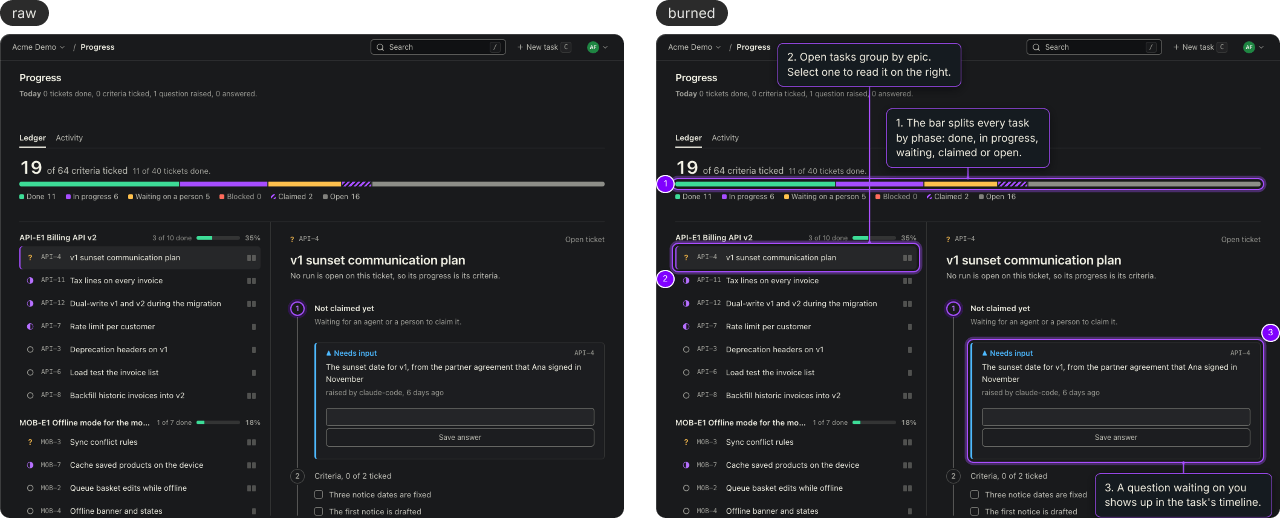
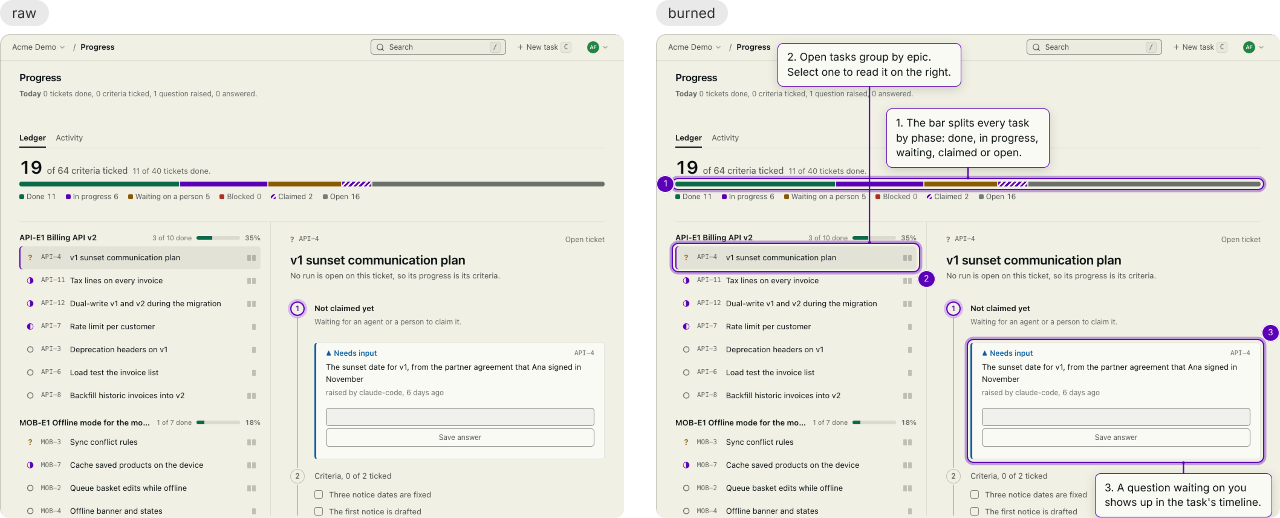
The same capture, raw and burned with a caption theme. Caption themes are on the main branch, not in 0.3.0-rc.3.
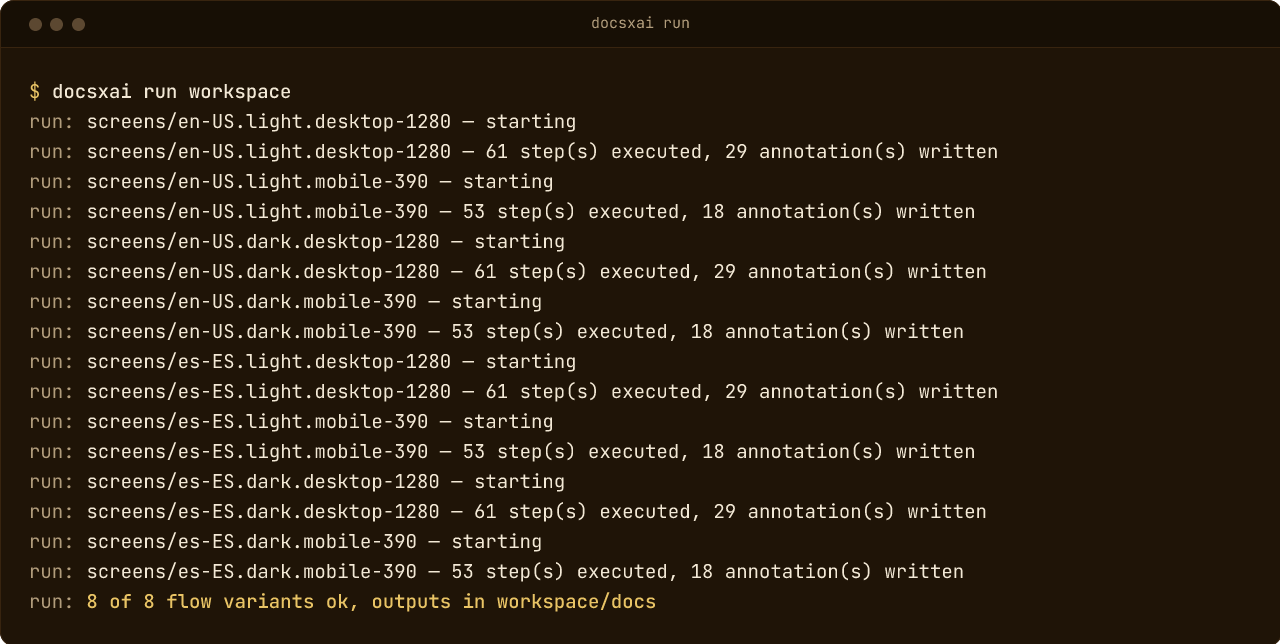
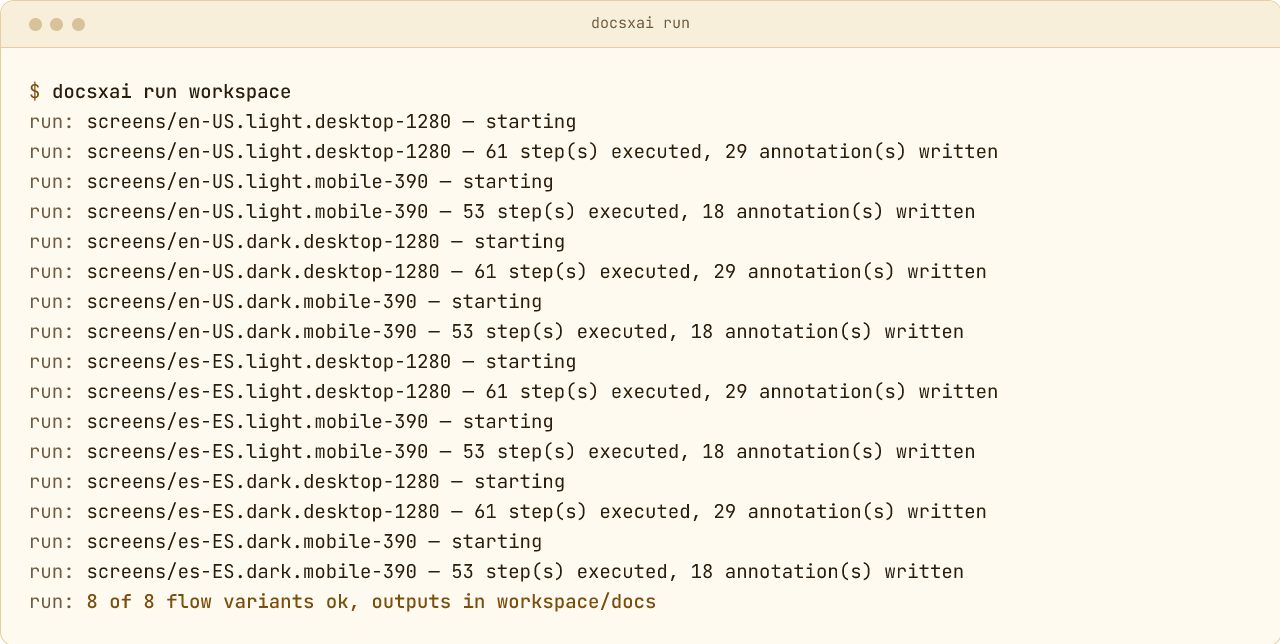
One flow file with a matrix, replayed in eight variants with no agent in the loop. Output as docsxai run prints it, counts from the trackxai flow.
Why it exists
Screenshot docs rot the moment the UI moves. docsxai treats them as a build artifact: a written flow is the source, the rendered doc pack is the output, and a re-run is the refresh.
Deterministic CI replay
A frozen clock and a pinned locale, timezone, and viewport: the same
flow against the same target state produces byte-identical
screenshots. run —verify-determinism runs a flow two to
five times and names the first artifact that differs, and
diff —fail-on warn gates CI on drift against a
committed baseline.
One flow, many variants
A matrix block expands a flow file into one run per
locale, color scheme, and viewport, up to 64 combinations.
pack builds the screenshot pack from them and
pack —check compares it with the committed one.
Agent calibration, any MCP host
An agent authors the flow-file once, through the Claude Code plugin or the standalone MCP server, with lint, diagnose, and actionability probes at write-time. After that, every run is agent-free: no model in the loop, no token bill per refresh.
One doc pack, three deliveries
An interactive viewer with halos and callouts, an Astro Starlight
site, or burned captions in plain PNGs for places that cannot run
the viewer. Redactions mask sensitive UI before any pixel hits
disk. The text the viewer and the site add comes in English or
Spanish, set with —lang.
Themeable burned captions
The halo, numbered badge, callout, and connector follow a
burn.theme block: four presets (clean, soft,
high-contrast, readable), an optional design-tokens file, and per-key
overrides. The interactive viewer reads the same theme. The
readable preset scales captions with the screenshot, and
display_width takes a second width for narrow captures,
so a phone capture and a desktop capture both read at 15 px. A themed
burn joins each caption to its target with a 2 px line and can fall back
to a numbered badge where no clear spot exists. Caption themes are on
the main branch.
Read the burn theming guide
Publishers and renderers as plugins
Publishers, renderers, lint rules, and auth strategies extend the engine through a namespaced, capability-declared, sha256-locked runtime. First-party publishers cover Confluence, GitBook, Guru, Notion, and SharePoint. SharePoint is on npm as an experimental package since 0.3.0-rc.3. The others are repo-only for now.
Install
Node 26 or newer. The 0.3 prerelease is on the next tag, and
latest is still 0.2.0.
The docsxai CLI
pnpm add -g docsxai@next
npx playwright-core install chromium
docsxai doctordocsxai@next is 0.3.0-rc.3 today. Without a tag you get 0.2.0, which has no
burn, pack, or matrix flows. With pnpm, run
pnpm setup once first, or use npm install -g docsxai@next.
The Claude Code plugin
/plugin marketplace add kalebteccom/docsxai
/plugin install docsxai@docsxaiOptional. Adds the calibration skills and the
/docsxai:* commands. The CLI works without it.
First run
Five steps, about ten minutes, against an app running on your machine. Each step shows a line you should see.
- // step 1
Make a workspace
docsxai init my-docs --app-url http://localhost:3000 --auth noneCreates the folder docsxai writes into and saves your app’s address in
my-docs/.docsxai.json. Keep it outside your app’s repo. If the app needs a login, leave out—auth noneand rundocsxai capture-auth my-docsbefore step 3.Expect
created: flows/, docs/, auth/, .auth/, .viewer/, .gitignore, .docsxai.json, flows/example.flow.yaml.sample, README.md - // step 2
Check the setup
docsxai doctor my-docsChecks Node, Chromium, the config, write access and
app_url. A failing line names its fix afternext:.Expect
ok: config: .docsxai.json fields are valid - // step 3
Calibrate with an agent
/plugin marketplace add kalebteccom/docsxai /plugin install docsxai@docsxaiWith the plugin installed and your app running, ask Claude Code in plain words, for example “calibrate my-docs: open the Reports page and show the export button”. It writes the flow into
my-docs/flowsonce, and every run after that needs no agent.Expect
next: docsxai run my-docs (then: docsxai render my-docs) - // step 4
Run it
docsxai run my-docsReplays the flow in headless Chromium and writes annotations and screenshots under
my-docs/docs.Expect
run: 1 of 1 flow ok, outputs in my-docs/docs - // step 5
Open the docs
docsxai render my-docsBuilds the interactive viewer into
my-docs/.viewerand prints the page to open in your browser. Hover, tap or tab to a halo to read its callout.Expect
render: open /path/to/my-docs/.viewer/index.html